From scanned exam papers to a Composition Studio
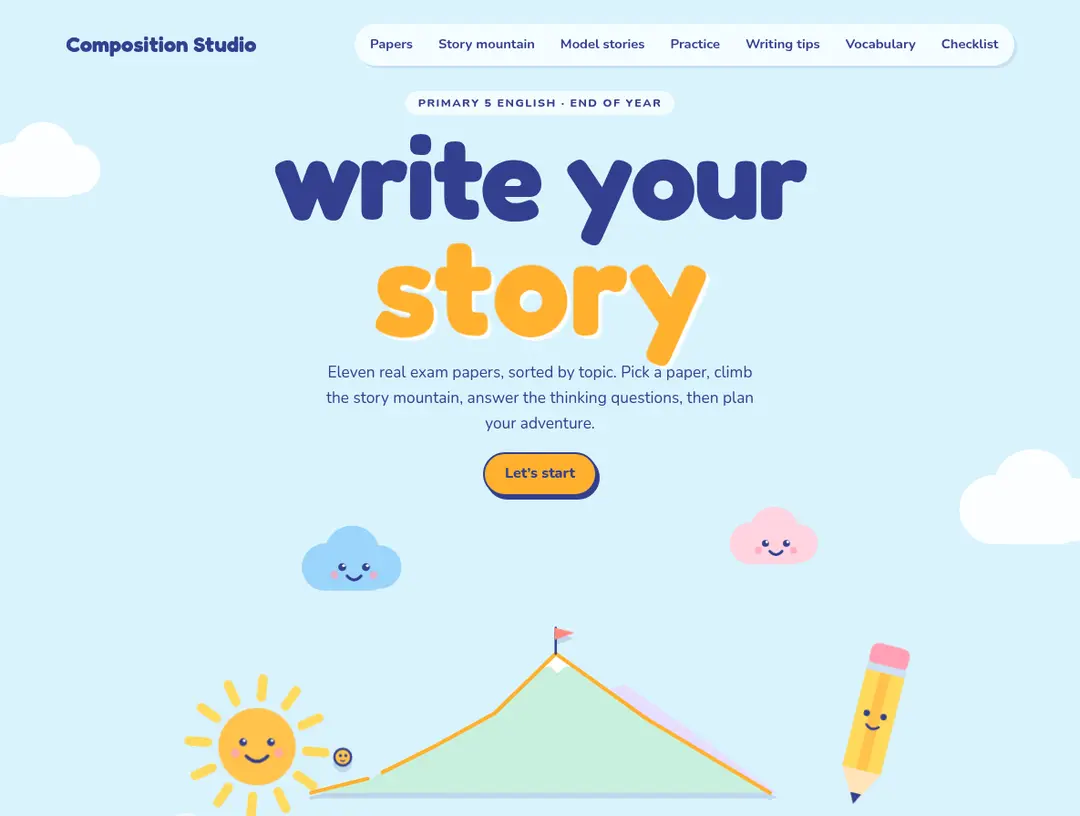
I turned scattered Primary 5 composition questions into a playful writing tool, with the picture prompts, story planning tips and practice all in one place.
I had a pile of scanned Primary 5 English exam papers and wanted to see what the composition questions had in common. That sounded simple until I looked at the work involved. I’d have to find the composition page in each paper, pull out its pictures, note the topic and sort everything into themes. Doing it by hand would have taken me hours.
So I built Composition Studio instead. The thing I wanted at first was a way to browse the questions. It grew into a place to practise writing too.
Getting the papers into shape
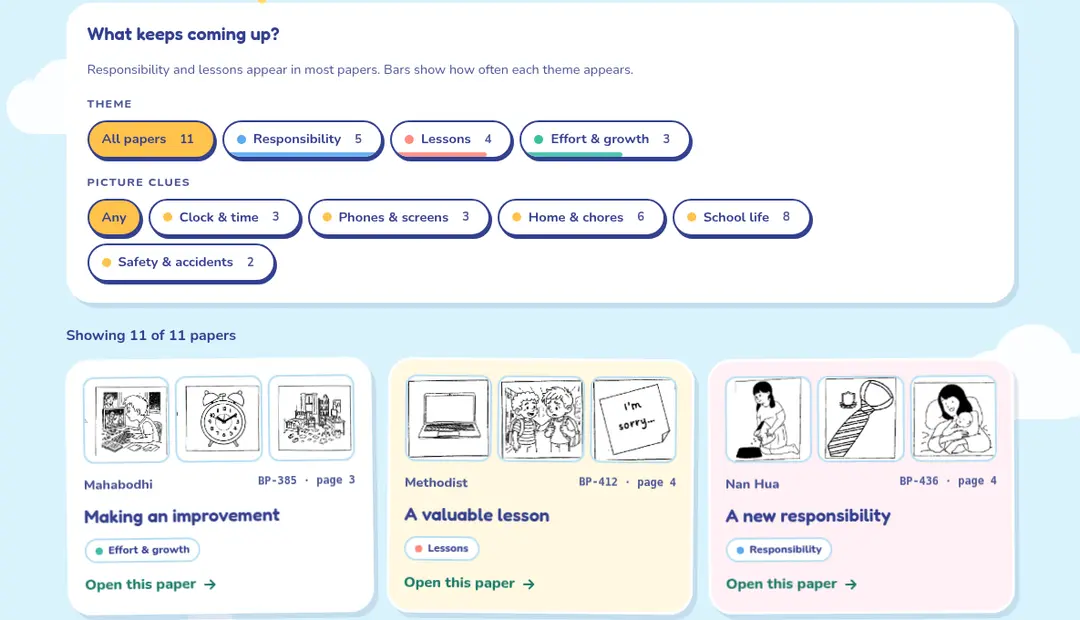
The first job was going through the scans page by page to find each composition prompt. I extracted the pictures from those pages, paired them with their topics and grouped the questions by theme. The studio now brings together 11 papers. You can browse by themes such as responsibility, lessons and effort, or look for recurring picture clues.
That sorting was the useful bit for me. Instead of opening one PDF after another and trying to remember where I’d seen a similar question, I could see the patterns together on one page.
How it came together
The steps were simpler than I expected, and most of them were me describing what I wanted in plain English.
- Collect the papers. They were shared with me in Google Drive. I pointed Claude at the folder and then added a copy to my computer so it could work on the actual files.
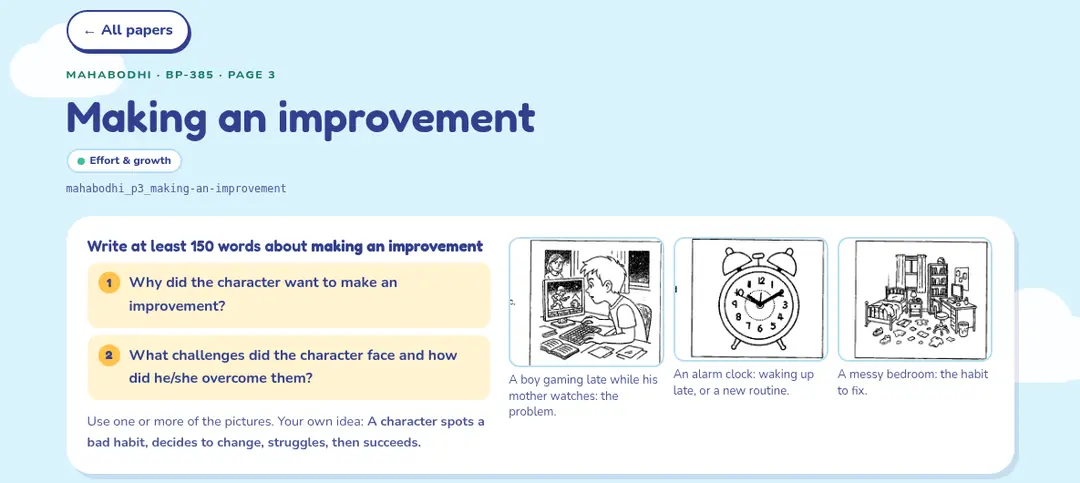
- Find the composition page. The papers were scans, so there was no text to search. Claude read the pages, found the Part 2 composition page in each one, and noted the topic and the two guiding questions.
- Cut out the pictures. Each paper has three picture prompts. Claude cropped them out and named every file by school, page and topic, so I could find them again.
- Look for patterns. With everything in one list, the themes showed up quickly. Responsibility and lessons come up again and again.
- Add the teaching content. I asked for story mountain tips for each paper, questions to make a student think before writing, and an example answer for each question. I also asked for a hide button on the examples, so a student can try first and peek later.
- Build the page. Everything went into one web page with filters, paper cards and a planner for jotting down a story.
- Make it look friendly. The first version came out dark and a bit dull, and I said so. I shared a screenshot of a playful site I liked and asked for pastel colours and paper-art cartoons. That one change made it feel like something a ten-year-old would want to open.
- Fill the gaps and test it. I’d forgotten one paper, so I added it later. I then asked for extra shortcuts (writing tips, vocabulary, model stories, practice) and checked the page at phone width.
I didn’t write any code myself. My job was deciding what the studio should do and telling Claude when something wasn’t right.
Helping with the writing, not just the searching
Once the papers were organised, I added the advice I wanted alongside them: a story mountain for planning the opening, rising action, climax and ending; prompts to think through before writing; and reminders to show, not tell. There are model stories, vocabulary ideas, a practice timer and a checklist for the final read-through.
I didn’t want the site to feel like another worksheet. I gave the AI a visual direction with pastel colours and cartoon-style animations, then kept refining the result until it felt like a small, inviting product rather than a folder of extracted questions.
The speed changed what I could make
I made this with Claude Opus 5.5, but I don’t think this depends on that particular model. Another capable frontier model could have helped with the same workflow. The striking part was how quickly I could move from scanning and categorising pages to building something I could actually use. What would have taken me hours took minutes.
Once it was working, I shared the studio on LinkedIn and even made a reel to walk through the web app. I hadn’t planned a launch when I started sorting exam questions. I just wanted to make the papers easier to use.