Learning Bytes was my first real attempt at making a custom blog from scratch. I wanted to test a simple idea: could I write in Notion, press publish there, and let the website sort itself out?
The site lives at learningbytes.sheraj.org. It’s a small learning blog built around short posts, which I called bytes.
What I was testing
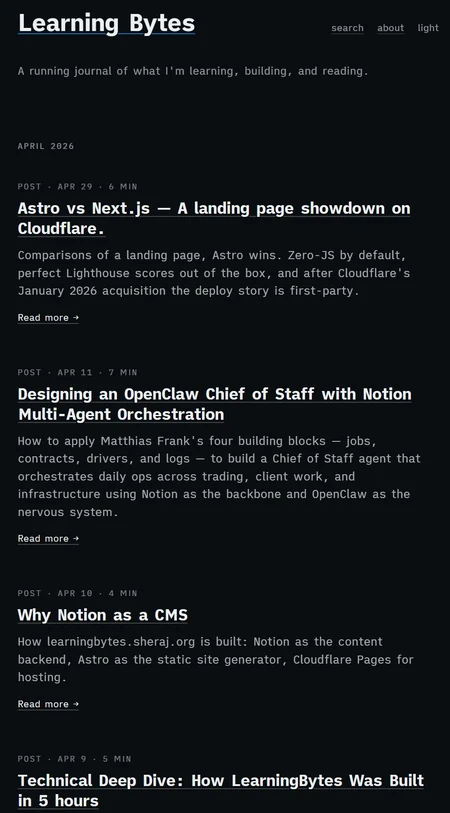
I didn’t want a heavy CMS or a server I had to babysit. The experiment was to keep the writing experience in Notion and use Astro to turn that content into a fast static site. Cloudflare Pages handled the deploys.
That was the fun part. Notion stayed comfortable for writing, while Astro gave me a proper site with pages, tags, series, sources, and search.
The blog structure
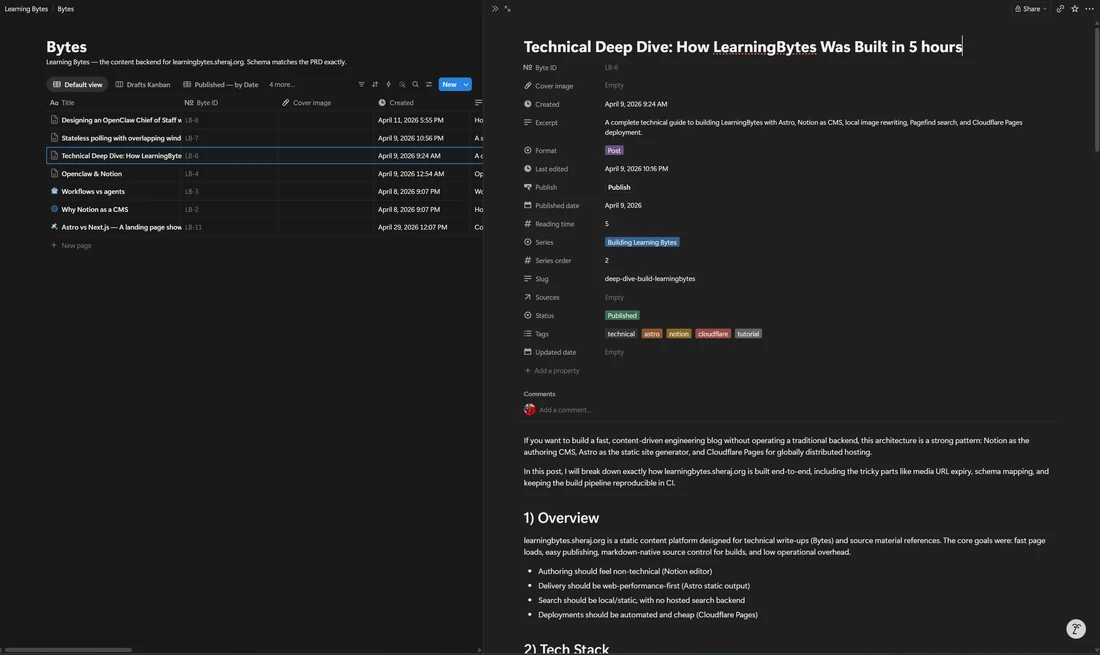
Learning Bytes has two Notion databases behind it:
- Bytes for the actual notes and posts
- Sources for links, books, videos, and references
Each byte has fields like title, slug, tags, status, format, and published date. The important bit is the status. Only things marked as published get pulled into the site. That small rule made Notion feel like a proper CMS. Drafts could stay in Notion without leaking onto the site.
The build step
The site doesn’t call Notion when someone opens a page. Instead, a build script fetches published bytes, turns them into local content, and lets Astro render the final pages.
I liked this pattern because the final site is just static files. It’s fast, cheap to host, and not dependent on the Notion API at runtime.
Pagefind was also a nice fit. It creates a local search index after the Astro build, so search works without adding a hosted search service.
The automation bit
The part I was most curious about was publishing. I didn’t want to push code every time I edited a note.
So I added a GitHub Actions workflow that checks Notion every 10 minutes. If a published byte was recently edited, it triggers a Cloudflare Pages deploy hook.
It’s a small automation, but it made the whole thing feel alive. Write in Notion, wait a few minutes, and the site updates.
Clone the repo
The project is open on GitHub if you want to poke around or run it locally.
git clone https://github.com/sherajdev/learningbytes.git
cd learningbytes
npm install
npm run dev
What I learned
Learning Bytes taught me that Astro works really well for this kind of content site. The blog doesn’t need a database at runtime. It just needs a clean build pipeline.
I also learned where the sharp edges are. Notion image URLs can expire, so the repo has a safety check to avoid shipping Notion-hosted images by accident. That was one of those small details that only shows up when you try to build the thing for real.
For a first custom blog, I’m happy with it. It gave me a working pattern for Notion as a CMS, Astro as the renderer, and Cloudflare as the place where the site quietly ships.